- ahgaga
- ahaga
- No lessons added yet.
IT Support: The Role, Responsibilities, and Importance in Modern Organizations Introduction Information Technology (IT) has become an essential part of almost every organization. Businesses, schools, government institutions, hospitals, and other organizations depend on computers, networks, software, databases, and digital services to perform their daily activities. When these technologies experience problems, employees may be unable to work effectively. IT Support plays an important role in solving these problems and helping organizations maintain reliable and secure technology systems. IT Support is the function responsible for helping users solve technical problems involving hardware, software, networks, user accounts, and other IT services. It also helps organizations reduce downtime and maintain employee productivity. Modern IT Support has developed beyond simply repairing computers; it now includes troubleshooting, cybersecurity awareness, system maintenance, documentation, user training, and technical guidance. What Is IT Support? IT Support is a service that assists users when they experience problems with technology. IT Support professionals may work through a help desk, service desk, telephone, email, chat, remote-support software, or on-site assistance. For example, an employee may contact IT Support because a computer cannot connect to Wi-Fi, a printer is not working, an application cannot be opened, an account is locked, or a password needs to be reset. The IT Support technician investigates the problem, identifies the possible cause, applies an appropriate solution, verifies that the problem has been resolved, and documents the work. The National Institute of Standards and Technology (NIST) describes computer support and operations as including activities such as fixing hardware and software problems, maintaining software, helping users, maintaining documentation, backups, and other operational activities. Main Responsibilities of IT Support 1. Hardware Support IT Support technicians help users with computer hardware and peripheral devices. Common examples include: Desktop computers Laptops Printers Monitors Keyboards and mice Network devices Storage devices Other computer peripherals Technicians may install, configure, diagnose, repair, or replace hardware when necessary. 2. Software Support Software problems are another major part of IT Support. Technicians may install and configure applications, troubleshoot errors, update software, and help users understand how to use business applications. For example, if Microsoft Office cannot open a document or an organization's specialized application stops working, the IT Support technician investigates the problem and provides a solution. 3. Network Support IT Support may also assist with network-related problems such as: Wi-Fi connectivity Internet access Local Area Network (LAN) IP configuration Printers connected to a network Network cables Basic DNS and DHCP problems Network support is important because employees often depend on network access to communicate, access files, use applications, and connect to online services. 4. User Account and Access Support IT Support frequently helps users with account-related problems. These activities may include: Password resets Account lockouts User account creation Application access Permission problems Login problems Multi-factor authentication issues Access management must be handled carefully because incorrect permissions can create security risks. 5. Troubleshooting Troubleshooting is one of the most important IT Support skills. A technician should not simply guess the solution. Instead, they should identify the symptoms, collect information, test possible causes, apply a solution, and verify the result. A practical troubleshooting process is: Identify the problem. Ask the user questions about the problem. Check basic causes such as power, cables, network connection, and settings. Test possible solutions one at a time. Apply the appropriate solution. Confirm that the problem has been fixed. Document the problem and solution. Escalate the issue if it requires specialized knowledge. Structured troubleshooting helps technicians avoid unnecessary changes and provides useful information when an issue must be escalated. IT Support and Cybersecurity Cybersecurity is an increasingly important part of IT Support. Support technicians are often among the first employees to hear about suspicious emails, unusual login activity, malware, account problems, or unexpected security warnings. IT Support staff should understand basic security practices, including: Protecting passwords and credentials Using multi-factor authentication Recognizing phishing attempts Applying software updates and security patches Avoiding unauthorized access Protecting sensitive information Reporting suspicious activity Following organizational security policies NIST emphasizes that support and operations activities are closely connected to system security. Support personnel should be able to recognize security-related problems and respond appropriately. Importance of Documentation Documentation is another important responsibility of IT Support. When technicians solve a problem, they should record important information such as: User or department affected Date and time of the incident Description of the problem Error messages Troubleshooting steps Solution applied Final result Escalation information, if necessary Good documentation allows other technicians to understand what has already been tried and helps organizations build a knowledge base for solving similar problems in the future. Communication Skills in IT Support Technical knowledge alone is not enough to become a successful IT Support professional. Communication and customer-service skills are also important. Users may not understand technical terms, so IT Support staff should explain problems and solutions in simple language. They should listen carefully, remain patient, ask appropriate questions, and communicate clearly about what they are doing. A good IT Support technician should be able to communicate with both technical and non-technical users. Skills Required for an IT Support Professional Important IT Support skills include: Computer hardware knowledge Operating system knowledge Basic networking Software installation and troubleshooting Cybersecurity awareness Problem-solving Critical thinking Communication Customer service Documentation Time management Remote-support skills User account management Technical Support Specialist roles can also involve diagnosing complex hardware and software problems, configuring client systems, maintaining security standards, documenting incidents, and analyzing recurring problems. Career Opportunities IT Support can be an excellent starting point for a career in Information Technology. After gaining experience, an IT Support professional can move into areas such as: Desktop Support System Administration Network Administration Cybersecurity Cloud Computing Database Administration IT Service Management IT Project Management DevOps IT Management Therefore, IT Support provides practical experience with computers, networks, operating systems, users, security, and organizational technology. Conclusion IT Support is an essential function in modern organizations. Its purpose is not only to fix computers but also to ensure that employees can use technology effectively, securely, and reliably. IT Support professionals troubleshoot hardware, software, and network problems, manage user access, document incidents, support cybersecurity, and communicate with users. As organizations continue to depend on digital technology, the importance of IT Support will continue to grow. Developing technical knowledge together with communication, troubleshooting, documentation, and cybersecurity skills can provide a strong foundation for a successful IT career. References Indeed. (2026). IT support job description: Top duties and qualifications. National Institute of Standards and Technology. (n.d.). Security considerations in computer support and operations. NIST. SANS Institute. (n.d.). Technical Support Specialist (DCWF 411). Salesforce. (2026). What is IT support? Types and best practices for service. ITU Online Editorial Team. (2026). Technical skills needed for entry-level IT support roles.
hello
hii
bye
- jhjh,jh
- hsgdjsgd
Information Technology (IT) has become an essential part of almost every organization. Businesses, schools, government institutions, hospitals, and other organizations depend on computers, networks, software, databases, and digital services to perform their daily activities. When these technologies experience problems, employees may be unable to work effectively. IT Support plays an important role in solving these problems and helping organizations maintain reliable and secure technology systems.
IT Support is the function responsible for helping users solve technical problems involving hardware, software, networks, user accounts, and other IT services. It also helps organizations reduce downtime and maintain employee productivity. Modern IT Support has developed beyond simply repairing computers; it now includes troubleshooting, cybersecurity awareness, system maintenance, documentation, user training, and technical guidance.
IT Support is a service that assists users when they experience problems with technology. IT Support professionals may work through a help desk, service desk, telephone, email, chat, remote-support software, or on-site assistance.
For example, an employee may contact IT Support because a computer cannot connect to Wi-Fi, a printer is not working, an application cannot be opened, an account is locked, or a password needs to be reset. The IT Support technician investigates the problem, identifies the possible cause, applies an appropriate solution, verifies that the problem has been resolved, and documents the work.
The National Institute of Standards and Technology (NIST) describes computer support and operations as including activities such as fixing hardware and software problems, maintaining software, helping users, maintaining documentation, backups, and other operational activities.
IT Support technicians help users with computer hardware and peripheral devices. Common examples include:
Desktop computers
Laptops
Printers
Monitors
Keyboards and mice
Network devices
Storage devices
Other computer peripherals
Technicians may install, configure, diagnose, repair, or replace hardware when necessary.
Software problems are another major part of IT Support. Technicians may install and configure applications, troubleshoot errors, update software, and help users understand how to use business applications.
For example, if Microsoft Office cannot open a document or an organization's specialized application stops working, the IT Support technician investigates the problem and provides a solution.
IT Support may also assist with network-related problems such as:
Wi-Fi connectivity
Internet access
Local Area Network (LAN)
IP configuration
Printers connected to a network
Network cables
Basic DNS and DHCP problems
Network support is important because employees often depend on network access to communicate, access files, use applications, and connect to online services.
IT Support frequently helps users with account-related problems. These activities may include:
Password resets
Account lockouts
User account creation
Application access
Permission problems
Login problems
Multi-factor authentication issues
Access management must be handled carefully because incorrect permissions can create security risks.
Troubleshooting is one of the most important IT Support skills. A technician should not simply guess the solution. Instead, they should identify the symptoms, collect information, test possible causes, apply a solution, and verify the result.
A practical troubleshooting process is:
Identify the problem.
Ask the user questions about the problem.
Check basic causes such as power, cables, network connection, and settings.
Test possible solutions one at a time.
Apply the appropriate solution.
Confirm that the problem has been fixed.
Document the problem and solution.
Escalate the issue if it requires specialized knowledge.
Structured troubleshooting helps technicians avoid unnecessary changes and provides useful information when an issue must be escalated.
Cybersecurity is an increasingly important part of IT Support. Support technicians are often among the first employees to hear about suspicious emails, unusual login activity, malware, account problems, or unexpected security warnings.
IT Support staff should understand basic security practices, including:
Protecting passwords and credentials
Using multi-factor authentication
Recognizing phishing attempts
Applying software updates and security patches
Avoiding unauthorized access
Protecting sensitive information
Reporting suspicious activity
Following organizational security policies
NIST emphasizes that support and operations activities are closely connected to system security. Support personnel should be able to recognize security-related problems and respond appropriately.
Documentation is another important responsibility of IT Support. When technicians solve a problem, they should record important information such as:
User or department affected
Date and time of the incident
Description of the problem
Error messages
Troubleshooting steps
Solution applied
Final result
Escalation information, if necessary
Good documentation allows other technicians to understand what has already been tried and helps organizations build a knowledge base for solving similar problems in the future.
Technical knowledge alone is not enough to become a successful IT Support professional. Communication and customer-service skills are also important.
Users may not understand technical terms, so IT Support staff should explain problems and solutions in simple language. They should listen carefully, remain patient, ask appropriate questions, and communicate clearly about what they are doing.
A good IT Support technician should be able to communicate with both technical and non-technical users.
Important IT Support skills include:
Computer hardware knowledge
Operating system knowledge
Basic networking
Software installation and troubleshooting
Cybersecurity awareness
Problem-solving
Critical thinking
Communication
Customer service
Documentation
Time management
Remote-support skills
User account management
Technical Support Specialist roles can also involve diagnosing complex hardware and software problems, configuring client systems, maintaining security standards, documenting incidents, and analyzing recurring problems.
IT Support can be an excellent starting point for a career in Information Technology. After gaining experience, an IT Support professional can move into areas such as:
Desktop Support
System Administration
Network Administration
Cybersecurity
Cloud Computing
Database Administration
IT Service Management
IT Project Management
DevOps
IT Management
Therefore, IT Support provides practical experience with computers, networks, operating systems, users, security, and organizational technology.
IT Support is an essential function in modern organizations. Its purpose is not only to fix computers but also to ensure that employees can use technology effectively, securely, and reliably. IT Support professionals troubleshoot hardware, software, and network problems, manage user access, document incidents, support cybersecurity, and communicate with users.
As organizations continue to depend on digital technology, the importance of IT Support will continue to grow. Developing technical knowledge together with communication, troubleshooting, documentation, and cybersecurity skills can provide a strong foundation for a successful IT career.
Indeed. (2026). IT support job description: Top duties and qualifications.
National Institute of Standards and Technology. (n.d.). Security considerations in computer support and operations. NIST.
SANS Institute. (n.d.). Technical Support Specialist (DCWF 411).
Salesforce. (2026). What is IT support? Types and best practices for service.
ITU Online Editorial Team. (2026). Technical skills needed for entry-level IT support roles.
2 Chapters
2 Lectures
0+ Students
44 Courses
No biography added yet.
Favorite
This course includes:
Certificate of Completion
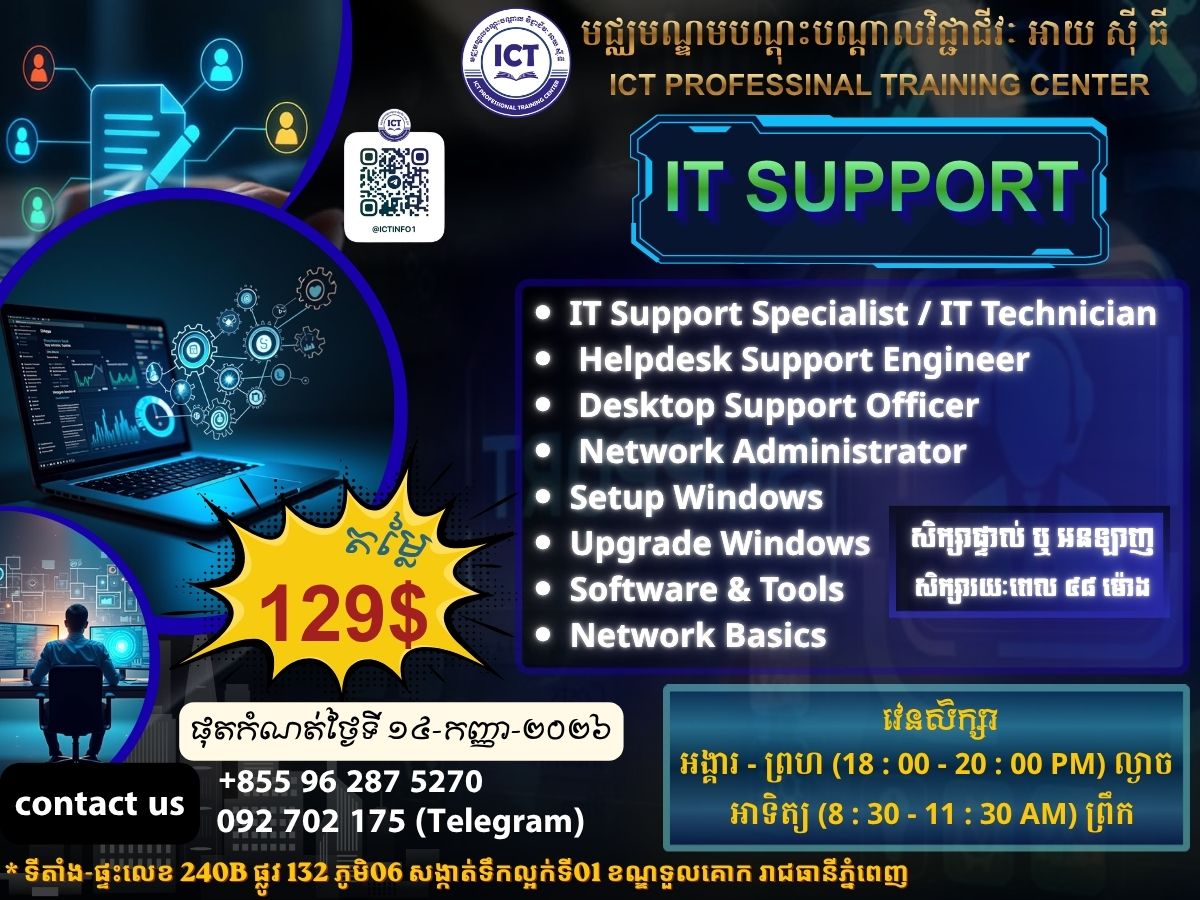
Weekly Schedule
. Sunday
(8:30AM -
11:30AM)
. Tue-thu
(6:00PM -
8:00PM)
. Saturday
(1:30PM -
4:30PM)